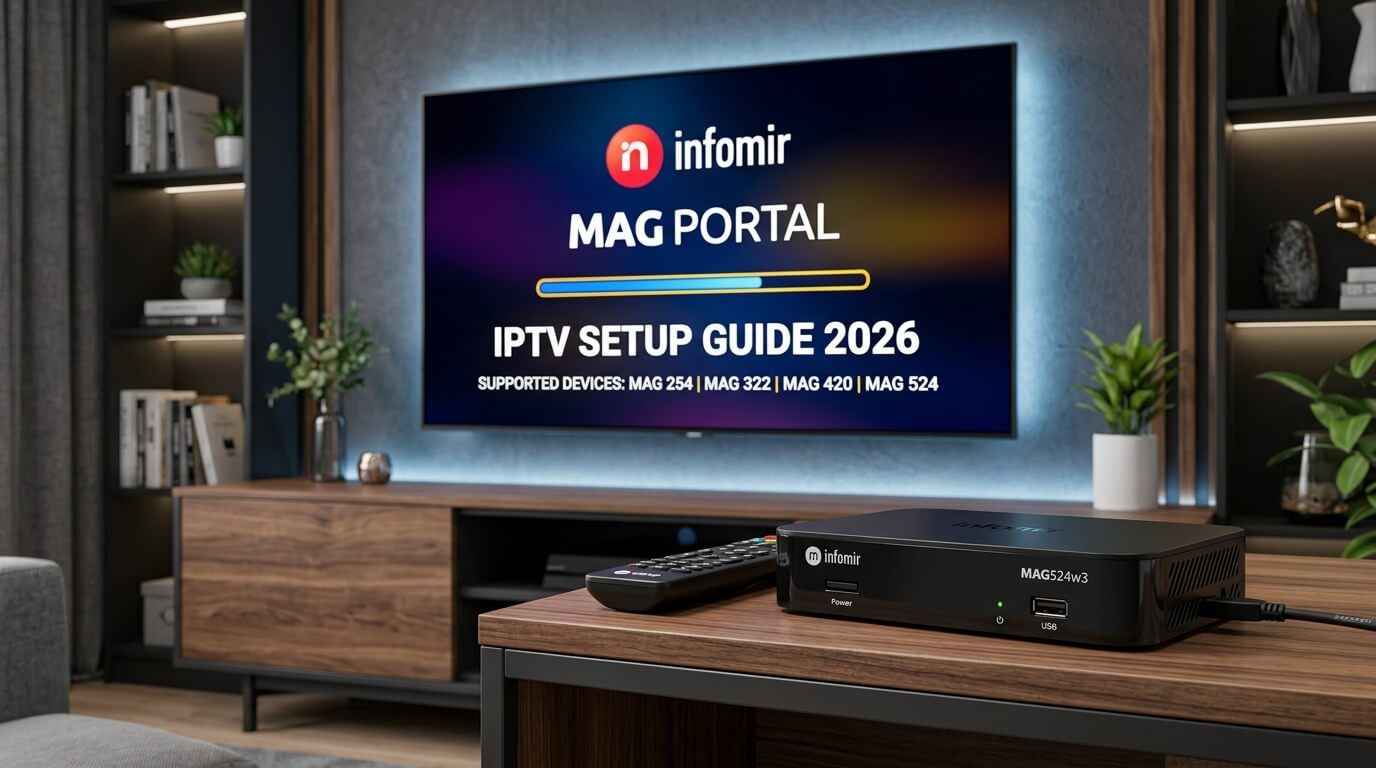
MAG boxes are the original dedicated IPTV hardware in the UK — no
Android layer, no sideloading, no app store; just fast, purpose-built middleware. This
guide covers the four setup methods we support on every MAG 250, 254, 256, 322, 324,
349, 420, 424, 522 and 524 — from the 60-second auto-provisioned Stalker Portal (our
default) to the manual Portal 1 method and modern Ministra TV. All work with our
£14.99 IPTV UK trial.
Every MAG box ever sold — from the ageing MAG 250 to the flagship
MAG 524 — can run IPTV in under 5 minutes because the middleware is
already built into the firmware. There's nothing to install; you either send us the
MAC address and we push a playlist to your box, or you paste a portal URL yourself.
Every method below works with the same MAC whitelisting on our side, so you can start
a iptv trial and swap methods later without losing anything.
Short on time? The three methods that cover 95% of MAG setups:
Ministra TV — modern middleware with catch-up TV on MAG 522/524
Before you start: use Ethernet
MAG boxes are notorious for
weak built-in Wi-Fi — the antenna
is fine for SD but stutters on HD and buckles on 4K. Every method below assumes
Ethernet. If you can't run a cable, sit within 3 m of your router and expect the
occasional buffer. This single change resolves more MAG support tickets than any
other tweak on our iptv service.
Choose a setup method
Tap any method to jump to its full step-by-step MAG Box IPTV setup.
The fastest MAG Box setup on the planet. You send us the MAC address printed on the sticker under your MAG (format 00:1A:79:XX:XX:XX), we register it against your iptv uk trial on our Stalker server, and 60 seconds later your box boots into a fully populated UK channel line-up — sports, films, series, EPG, catch-up, everything. Zero typing, zero risk of pasting the portal URL wrong. This is the default path we recommend to every new IPTV Trial MAG customer.
Connect the MAG to the TV via HDMI, plug in Ethernet (strongly recommended over Wi-Fi for MAG), power on. Wait for the "Home Menu" to appear.
2
Read the MAC address from the sticker
Flip the MAG over. The sticker on the base shows a MAC address in the format 00:1A:79:XX:XX:XX. Photograph it — it uniquely identifies your box on our iptv service.
3
WhatsApp us the MAC + your order name
Send us the MAC address and the name your iptv trial was ordered under. Our team whitelists it on our Stalker portal and pushes your personal playlist within about 10 minutes.
4
Reboot the MAG
On the MAG remote hit the Menu button → Reboot Portal (or unplug and re-plug the power for 10 seconds). No settings to change — our server has already done the work.
5
Start watching
Your channel grid appears grouped by category — UK, entertainment, sports, movies, series, kids, international. Use the number keys on the remote to jump straight to a favourite.
Tip
This method requires zero configuration on your side — if you're not confident with menus, this is the only setup path you need.
The classic MAG setup that every provider documents. You enter the Stalker Portal URL yourself into Portal 1 on the MAG, save, and reboot the portal. Use this method if you want your MAG configured before you contact us — perfect for a same-day iptv uk trial where you already have the portal URL from your welcome email.
Log in via
Stalker Portal URL (typed into Settings → Servers)
Supported models
MAG 254 · 256 · 322 · 324 · 420 · 424 · 522 · 524
Step-by-step
1
Open System settings → Servers
From the MAG home menu press Settings on the remote → System settings → Servers → Portals.
2
Name Portal 1
Set "Portal 1 name" to something memorable, e.g. IPTV UK. Leave Portal 2 empty for now (it can host your M3U later).
3
Paste the Stalker Portal URL
Set "Portal 1 URL" to the exact URL we send in your welcome message — typical format http://server.iptvtrial.tv:8080/stalker_portal/c/. Case-sensitive; one wrong character breaks the portal.
4
Save with OK, then EXIT
Press OK to save. Hit EXIT twice to return to the home menu. The MAG will prompt you to reboot the portal — accept.
5
Confirm channels load
The portal reloads and your channel categories appear. If it hangs on "Loading portal…", double-check the MAC has been whitelisted on our side (WhatsApp us the MAC).
Tip
Portal URLs are case-sensitive — capital "C" at the end of /stalker_portal/c/ matters on some MAG firmware versions.
Some MAG models (particularly newer 4xx / 5xx boxes) ship with a built-in "IPTV" app that reads M3U playlists directly — no Stalker portal required. This is our recommended backup method: if the Stalker portal is ever blocked by your ISP, the M3U playlist route almost always still works. Same iptv subscription credentials on our side.
Log in via
M3U URL (loaded via IPTV app menu)
Supported models
MAG 322 · 324 · 420 · 424 · 522 · 524
Step-by-step
1
Request your M3U URL from us
WhatsApp us and ask for the M3U version of your playlist. We generate a personal M3U URL tied to your iptv subscription and send it back within minutes.
2
Open the built-in IPTV app
On the MAG home menu scroll to the "IPTV" tile (or "IPTV Channels" on older firmware). Open it.
3
Add a playlist source
Menu → Settings → Playlists → Add. Choose "External playlist (URL)". Name it "IPTV UK M3U".
4
Paste the M3U URL
Enter the full M3U URL we sent — usually starts http:// and ends with .m3u or .m3u8. Save.
5
Reload and browse
Return to the IPTV app main screen — your full channel list loads. Channel categories are inferred from the M3U group-title tags.
Tip
If the built-in IPTV app can't reach your M3U, try adding it into Portal 2 slot instead (Settings → System settings → Servers → Portals → Portal 2 URL) — some MAG firmware routes M3U through Portal 2 more reliably.
Ministra TV is the modern successor to the classic Stalker middleware — better EPG rendering, catch-up TV up to 7 days, and a much more responsive UI on newer MAG boxes. Every IPTV Trial iptv subscription is compatible with Ministra out of the box; you just enter the Ministra portal URL instead of the classic Stalker one. Best-in-class experience on MAG 522 / 524.
Log in via
Ministra portal URL (same MAC whitelisting)
Supported models
MAG 322 · 324 · 420 · 424 · 522 · 524
Step-by-step
1
Ask us for the Ministra portal URL
WhatsApp us and request the Ministra portal URL for your account. It looks similar to the Stalker URL but ends /stalker_portal/c/ministra.php or /ministra/c/ depending on server.
2
Open Portals settings
MAG → Settings → System settings → Servers → Portals.
3
Paste into Portal 1
Replace your existing Portal 1 URL with the Ministra URL. Save.
4
Reboot the portal
Return to home menu, wait for the portal to reload. The Ministra interface loads with a new sidebar layout and richer EPG.
5
Enable catch-up
Inside Ministra, press MENU on any channel that has a catch-up icon (usually a rewind arrow) — you can rewind up to 7 days on supported UK channels.
Tip
Ministra is much more sensitive to slow internet than Stalker. If the portal loads slowly, switch from Wi-Fi to Ethernet — usually solves it instantly on MAG.
If you want the shortest possible answer: send us the MAC and use the
auto-provisioned Stalker Portal. It's the fastest, most reliable
setup and it's what every IPTV Trial MAG customer uses by default. Only step up to
Ministra TV if you own a MAG 522 or 524 and want the modern EPG and
catch-up TV interface. The M3U playlist method is a useful fallback if your ISP ever
blocks the Stalker portal.
MAG 250 / 254 / 256 owners
These older MAGs only support the classic Stalker Portal — no Ministra, no M3U app.
Use the auto-provisioned method: send us the MAC and reboot the portal. Skip 4K
streams entirely as these boxes cap out at 1080p and struggle with high-bitrate feeds
on our iptv subscriptions.
MAG 322 / 324 / 349 owners
The middle-generation MAGs handle Stalker, Ministra and M3U equally well. This is the
sweet-spot MAG for a UK iptv service — cheap secondhand, still
responsive, plenty for 1080p sport and film on any iptv subscription.
MAG 420 / 424 / 522 / 524 owners
Flagship MAGs with 4K HEVC hardware decode. Use Ministra TV to get the full modern
interface with catch-up TV, then hard-wire Ethernet — the difference over Wi-Fi is
night and day on 4K UK sport channels included with our
iptv subscriptions.
Try our IPTV UK trial on any MAG box
Every method on this page works with our 30-day £14.99 IPTV trial —
same MAC whitelisting, same UK support on WhatsApp. Your MAC address is registered
the instant you send it to us on WhatsApp, and one set of credentials from your
iptv subscriptions works across MAG, Fire Stick, Apple TV, Smart TV,
phone and tablet.
Frequently asked questions
Which MAG boxes does this guide work with in 2026?
Every MAG box we ship an iptv subscription for — MAG 250, 254, 256, 322, 324, 349, 420, 424, 522 and 524. All four setup methods above work on the newer 322+ models; the 250/254/256 are Stalker-only. Every IPTV Trial iptv trial customer using a MAG box follows one of these four paths on day one.
Do I have to send you my MAC address?
Yes — MAG boxes identify themselves to our Stalker server by MAC address, so nothing works until we whitelist that MAC on our side. It's a 30-second WhatsApp message with the MAC printed on the sticker under your box. This is the same process every UK IPTV provider uses for every iptv service that supports MAG.
Ethernet or Wi-Fi on MAG?
Always Ethernet if you can — MAG boxes have famously weak built-in Wi-Fi antennas that struggle with HD and 4K bitrates. If you must use Wi-Fi, sit within about 3 metres of your router. We rejected more support tickets for "buffering" on MAG boxes running Wi-Fi than for any other issue on our iptv subscriptions.
What's the difference between Stalker Portal and Ministra TV?
Stalker is the classic MAG middleware that's been standard since MAG 250 — reliable and boring. Ministra is the modern successor built by the same company (Infomir), with a nicer EPG, catch-up TV up to 7 days, and a more responsive UI. Both work with the same IPTV Trial iptv uk trial credentials on our side; you just paste a different portal URL. Ministra is our default on MAG 522/524.
Can I use the same iptv subscription on my MAG and other devices?
Yes. One IPTV Trial iptv subscription covers every device you own — MAG box, Fire Stick, Apple TV, Smart TV, phone, tablet. On MAG you use MAC whitelisting; on other devices you use the Xtream Codes username, password and server URL that came in the same welcome message. See our Fire Stick and Apple TV installation guides for those paths.
My MAG says "Loading portal" forever — what do I do?
Three things to check, in order: (1) the MAC you sent us matches the sticker exactly (letters case-sensitive on older MAG firmware); (2) the Portal 1 URL is pasted with no leading/trailing spaces; (3) you're on Ethernet, not Wi-Fi. If all three are right, WhatsApp us the MAC and we'll ping your box from our end. Every IPTV Trial iptv subscription includes free MAG setup support.
How long does the MAG IPTV setup take?
Under 5 minutes for the auto-portal method — you send us the MAC on WhatsApp, we whitelist it, you reboot the portal. Under 10 minutes for the manual Portal 1 method (typing a URL on a MAG remote is slower than it looks). Every IPTV Trial iptv trial customer with a MAG is watching UK channels within one WhatsApp exchange.
Start your £14.99 IPTV UK trial today
Unlock 50,000+ channels on the UK’s risk-free IPTV trial. Activated in minutes. No auto-renewal.
Test the full IPTV service before choosing a longer IPTV subscription.